
Choosing the 3.5 mm HGM-2 court reporter microphone
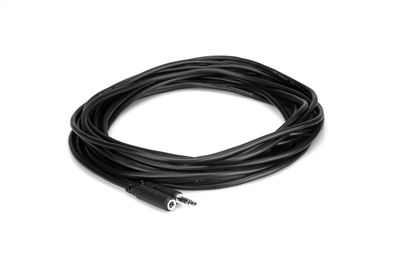
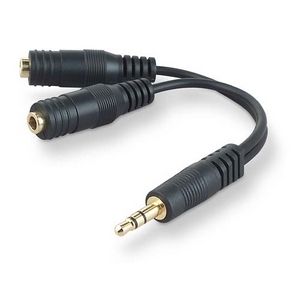
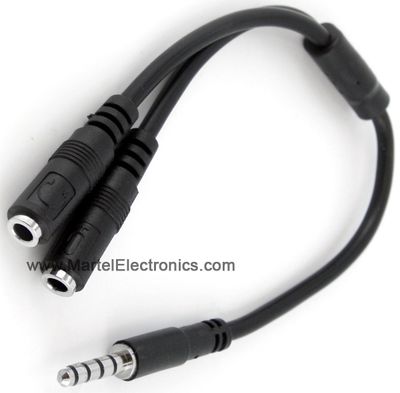
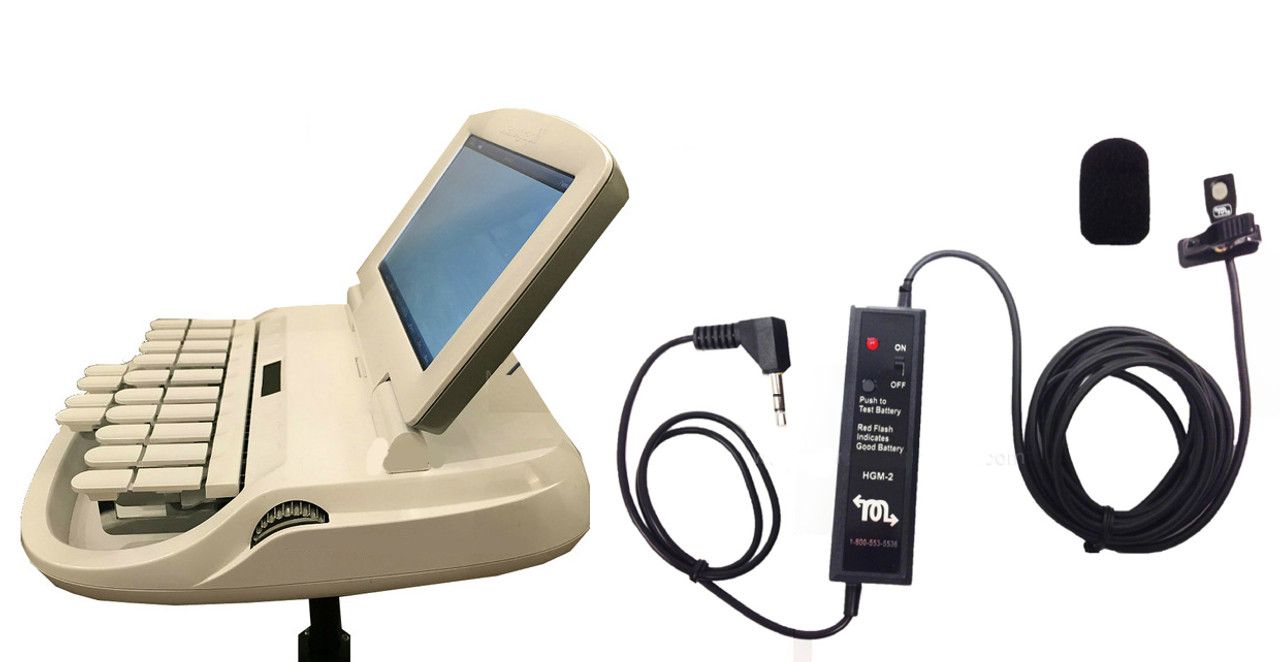
Choose this version of the HGM-2 when your recording equipment accepts the compatible 3.5 mm microphone connection. Check the input marking and the device instructions. A headphone output may look similar, so identify the microphone input before connecting the cable.
Check the battery and the recording path
Use the HGM-2’s built-in battery tester as instructed for the microphone. Then record a short line from the nearest and farthest required speaking positions. Play the file back through headphones. The battery check and the listening check answer two different questions about your setup.
Decide between this model and XLR
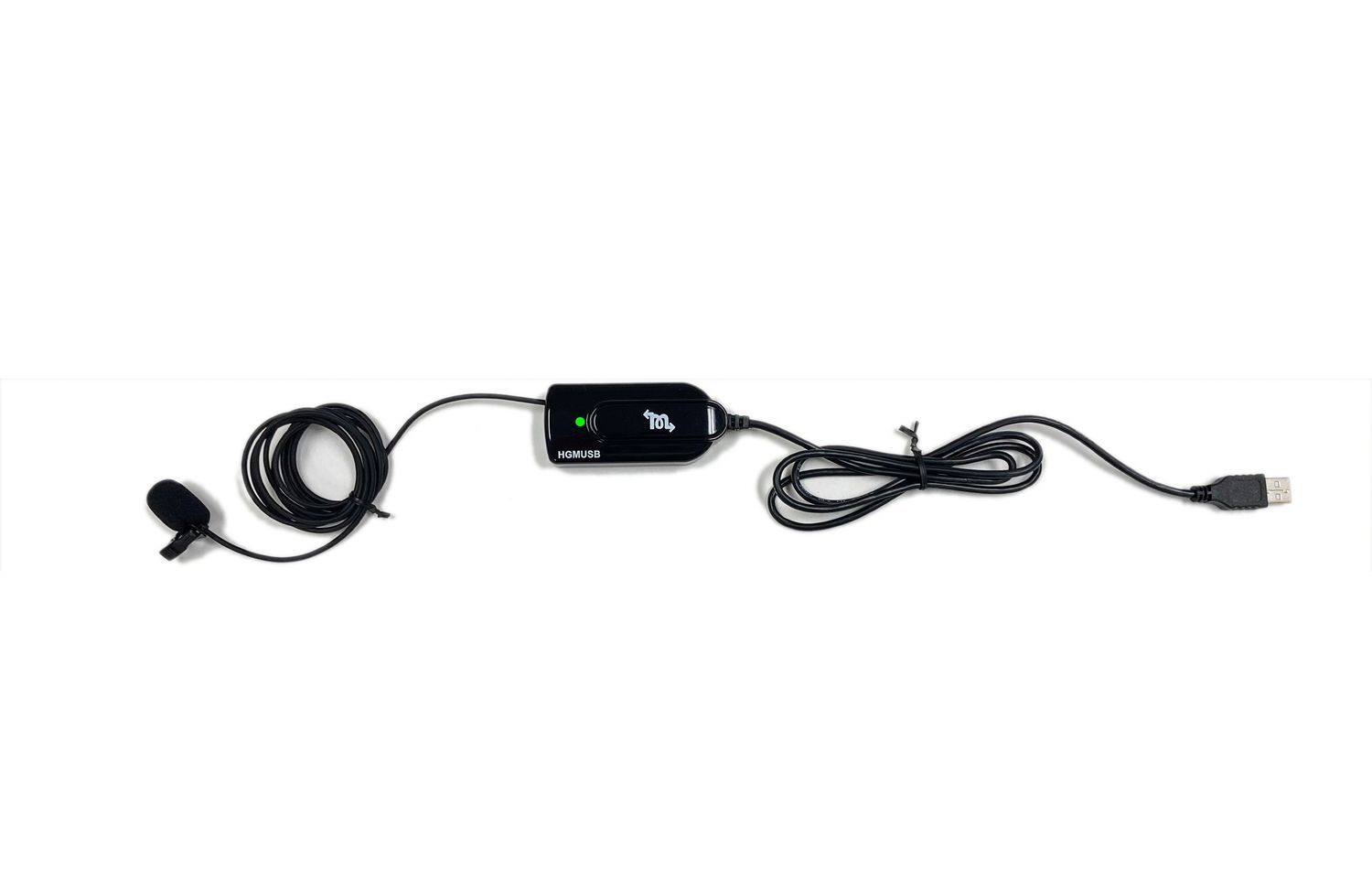
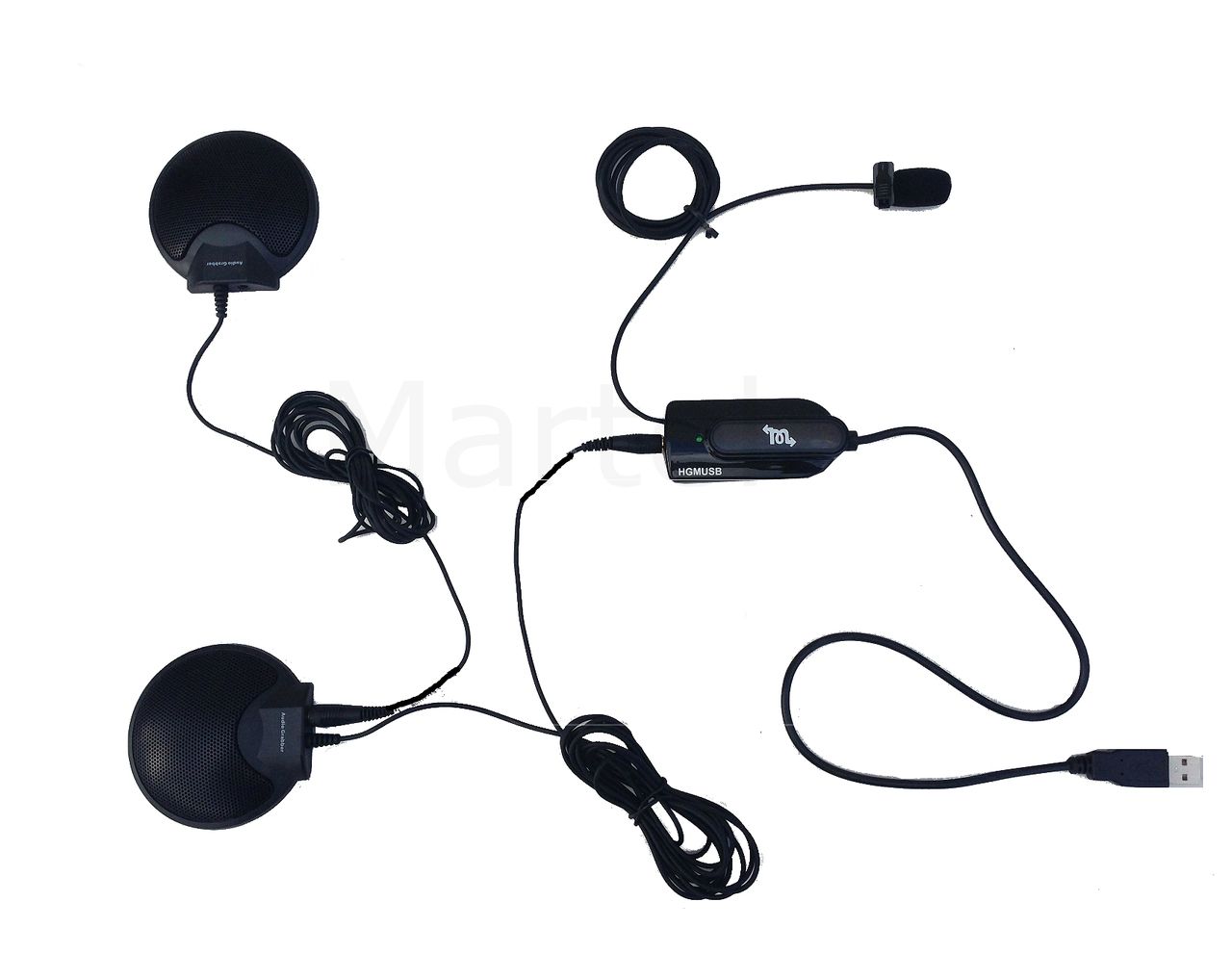
Look at the recorder or interface you will use at the proceeding. If its intended input is three-pin XLR, compare the XLR HGM-2. If you want the microphone to connect to a laptop digitally through USB, compare the HGM-USB.
What should I send Martel if I am unsure about the plug?
Provide the make and model of the recorder or interface and identify the input you plan to use. A photo of the input label can help distinguish the microphone connection from the headphone socket.
Read the full guide on this page — Choosing the 3.5 mm or XLR HGM-2 court reporter microphone
For educational purposes only.